스프라이트·픽셀아트
CREATOR'S RESULT
MAKE IT YOURS
당신의 아이디어로 바꿔보세요.
01
원하는 부분을 바꾸고 프롬프트를 복사해요.
02
챗GPT(ChatGPT)에 붙여넣고 첫 결과를 확인해요.
03
한 번에 한 가지씩 바꾸며 나만의 결과를 찾아요.
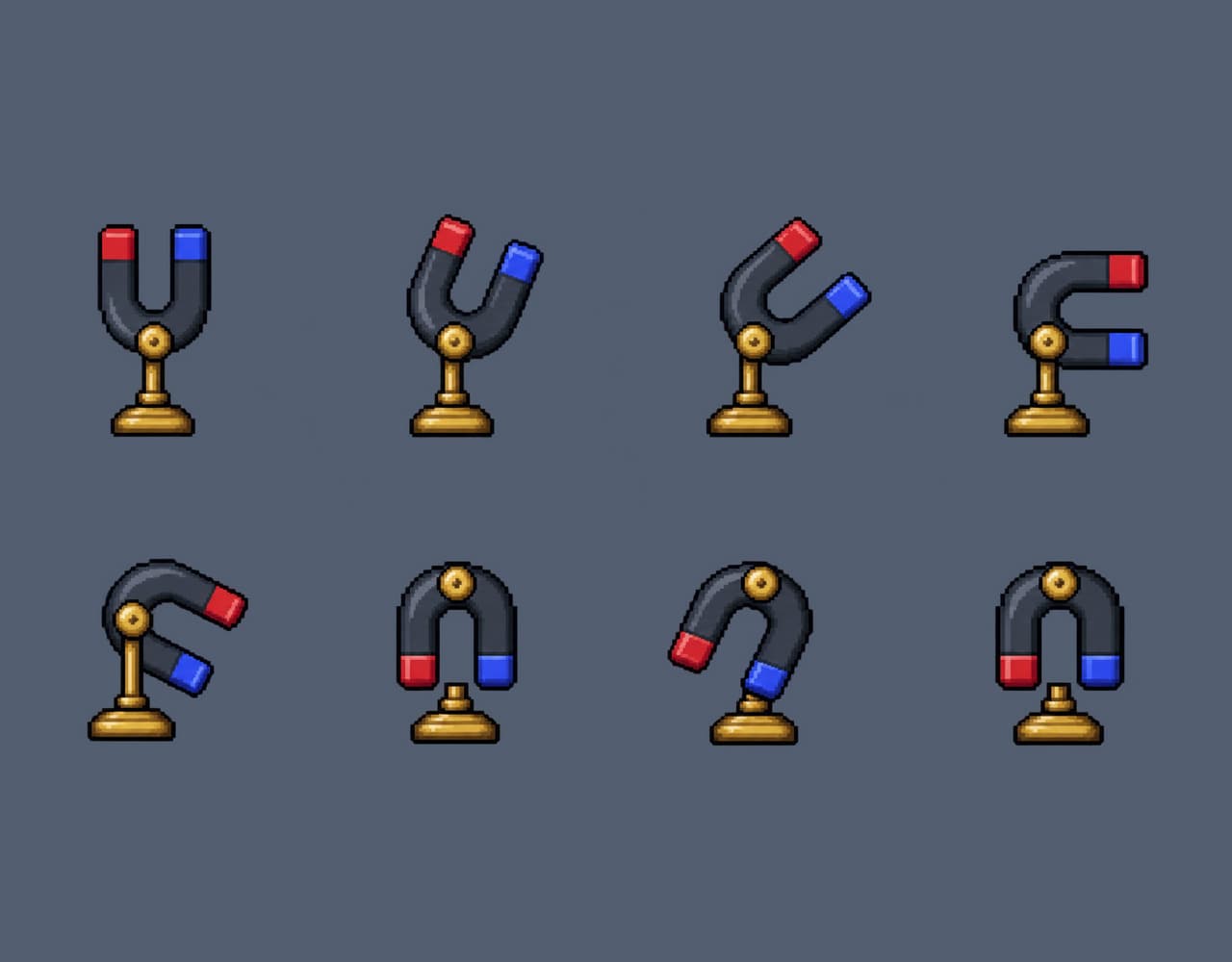
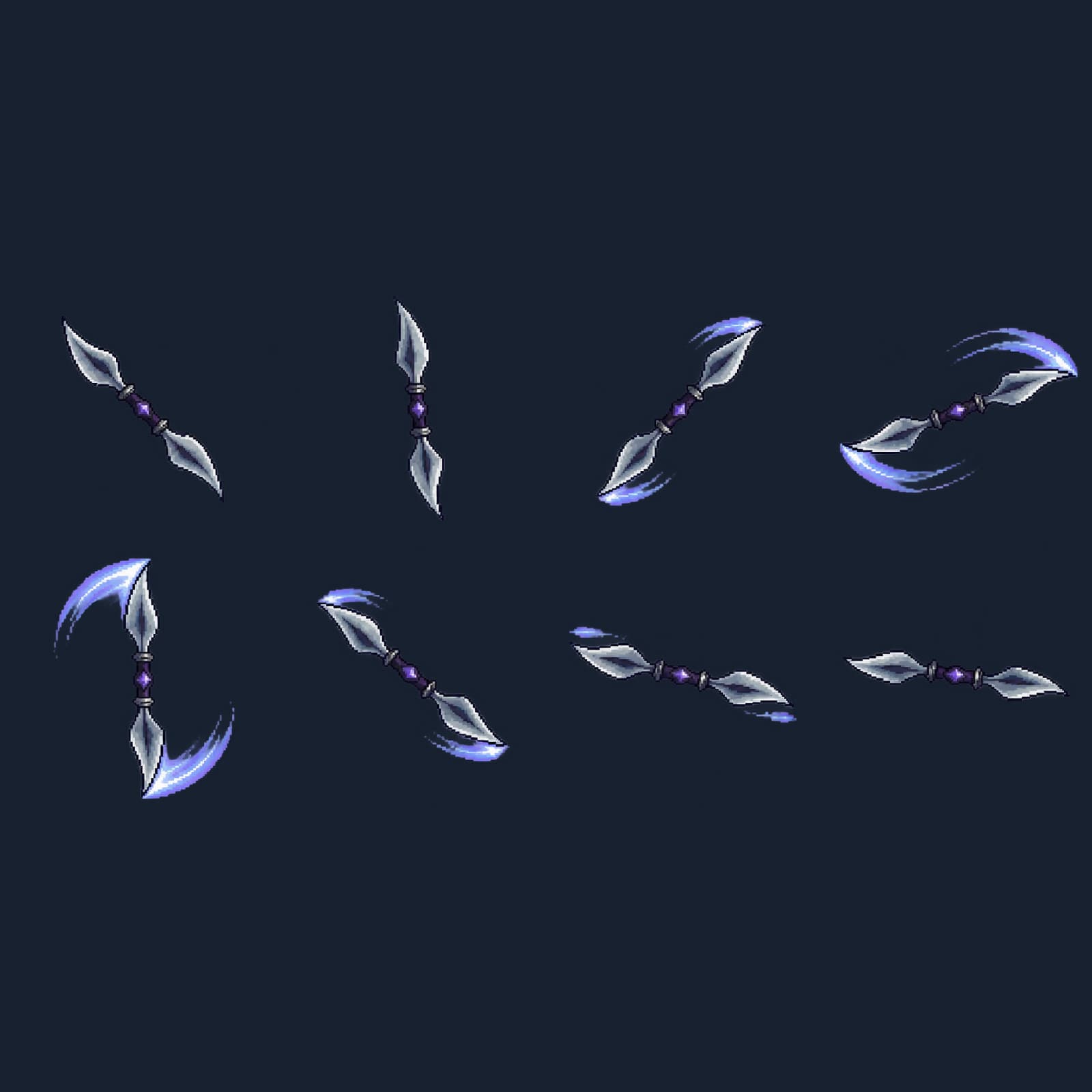
극성을 바꾸는 자석 스위치 8프레임 게임 스프라이트 극성을 바꾸는 자석 스위치 8프레임
말굽자석이 받침대의 축을 따라 반 바퀴 돌아 극성 전환을 알립니다.
이 프롬프트가 담긴 모음: 게임 장르별 8프레임 스프라이트 20종
나에게 맞게 바꾸기
선택아래 항목을 채우면 프롬프트에 바로 반영돼요.
THE PROMPT1,387 characters
Create one original pixel-art animation atlas for a 자력 퍼즐 game. Subject: a fixed little brass pedestal supporting one pivoting horseshoe magnet with a differently colored tip on each prong, viewed from the front.
Canvas is wide landscape, aspect ratio 2:1. Exactly EIGHT separate and fully visible poses of the SAME sprite on real transparent alpha, arranged in FOUR equally spaced columns and TWO equally spaced rows. The ideal square cell centers across each row are at 12.5%, 37.5%, 62.5%, 87.5% of total width, rows at 25% and 75% of total height. Leave at least 12% clear padding inside every cell on every edge, including antennae, sparks or tools. No panels, lines, numbers or written labels.
Read left to right across the top row then across the bottom row. Eight consecutive animation beats in this exact order: 1) upright prongs point up; 2) leans right; 3) rotates right diagonally; 4) prongs point right; 5) tilts further downward; 6) points down; 7) overshoots slightly; 8) settles upside down on the same pin.
Palette: [팔레트]. Pixel rendering: [도트스타일]. Keep the viewpoint, base registration, light direction and scale consistent. Each frame has one isolated subject. Preserve the same distinguishing marks and fixed parts; make movement legible through the silhouette. No scenery, ground plane, checker pattern, blurred rim, shadow outside the sprite, lettering, logo or UI.
입력한 내용을 반영한 프롬프트예요.
크리에이터의 작은 팁
빨간 극을 기준점으로 삼으면 회전 방향을 알아보기 쉽습니다. 퍼즐이 풀린 뒤에는 마지막 칸을 정지 상태로 두세요. 팔레트 예시: carmine, ultramarine, brass and dark slate 도트스타일 예시: hand-placed 16-bit pixel clusters, stepped contours, two-tone shadows and a single-pixel dark outline OpenAI 내장 이미지 생성 도구로 위 예시값을 적용해 제작했습니다. 시트는 4열 × 2행으로, 위쪽 왼쪽부터 가로로 읽습니다. 프레임은 444 × 444px이며, 시트 오른쪽과 아래에 투명 여백을 더해 나눗셈이 정확히 맞도록 했습니다. 투명 PNG 시트 주소 https://haprompt.com/uploads/genre-sprites20-20261107-magnet-switch-4f9614880d9b.png 20종 시트와 낱장 160프레임 ZIP 주소 https://haprompt.com/uploads/genre-sprites20-20261107-20x8-16791785a12f.zip
KEEP YOUR CURIOSITY GOING
스프라이트 더 보기 
함께 나누는 이야기 0
직접 써본 경험이나 새로운 아이디어를 들려주세요.
로그인하고 이야기를 남겨주세요.