3D·3D렌더링
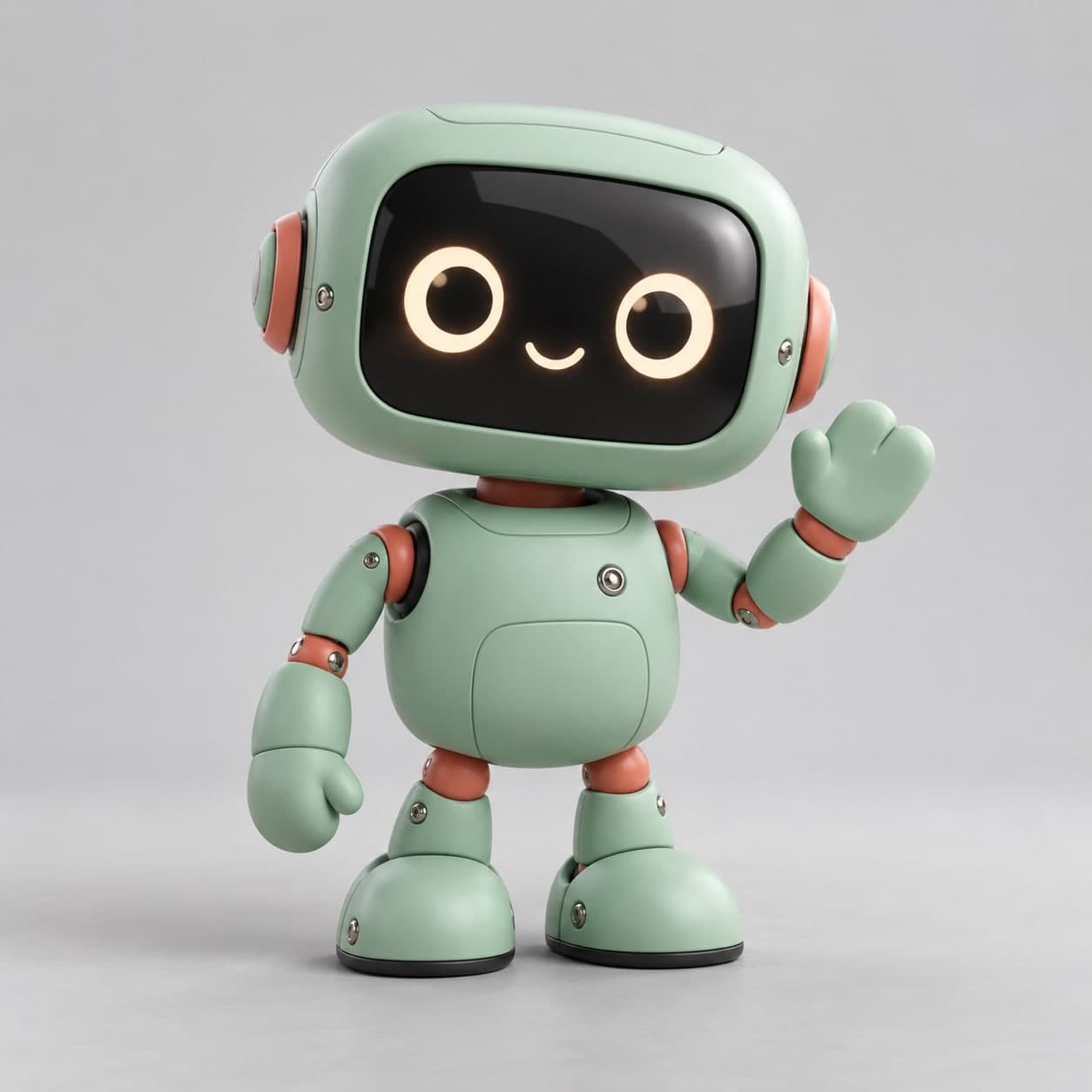
CREATOR'S RESULT
MAKE IT YOURS
당신의 아이디어로 바꿔보세요.
01
원하는 부분을 바꾸고 프롬프트를 복사해요.
02
챗GPT(ChatGPT)에 붙여넣고 첫 결과를 확인해요.
03
한 번에 한 가지씩 바꾸며 나만의 결과를 찾아요.
귀여운 로봇 토이 3D 이미지 프롬프트 책상 위에 놓고 싶은 둥근 로봇 토이
둥근 몸체와 작은 디스플레이 얼굴의 오리지널 로봇. 본체 색과 포인트 색을 바꿔 마스코트 토이 콘셉트를 만들어보세요.
이 프롬프트가 담긴 모음: 3D 렌더 이미지 프롬프트 모음
나에게 맞게 바꾸기
선택아래 항목을 채우면 프롬프트에 바로 반영돼요.
THE PROMPT1,108 characters
Use case: stylized-concept. Generate a premium collectible vinyl-toy-style 3D image of one original friendly desktop robot. A rounded rectangular head, small pill-shaped body, two short articulated arms and two stable rounded feet. The shell is matte [본체색] with small [포인트색] joints and a glossy dark face screen displaying two simple circular eyes and one tiny curved smile, without letters. The robot stands upright and waves with one uncomplicated mitten-shaped hand; the other arm hangs naturally. Carefully designed original silhouette, believable connected joints, soft molded plastic, subtle seam lines, a few tiny metal fasteners and realistic material separation. Full body visible, centered on a pale-gray seamless tabletop and background with a soft oval contact shadow. Gentle three-quarter camera at the robot's eye height, studio softbox key light and a faint rim light, clean playful product presentation. Square 1:1 with ample margins around the full toy. No brand resemblance, words, logos, watermark, packaging, extra robots or collage. Generate a finished raster image, not a 3D model file.
입력한 내용을 반영한 프롬프트예요.
크리에이터의 작은 팁
예시값: 본체색=muted mint green, 포인트색=warm coral. 팔다리 연결부가 분리되거나 손이 여러 개 생기지 않는지 확인하세요. 같은 로봇으로 시리즈를 만들려면 첫 결과를 참고로 첨부하고 본체 색이나 표정부터 하나씩 바꿔보세요. 결과물은 3D 렌더 느낌의 이미지이며 편집 가능한 3D 모델 파일은 아닙니다. 예시 이미지는 위 예시값을 넣은 프롬프트로 OpenAI 내장 이미지 생성 도구에서 직접 제작했습니다. 생성 결과는 실행할 때마다 달라질 수 있습니다.
KEEP YOUR CURIOSITY GOING
3D 더 보기 이런 영감도 좋아하실 거예요
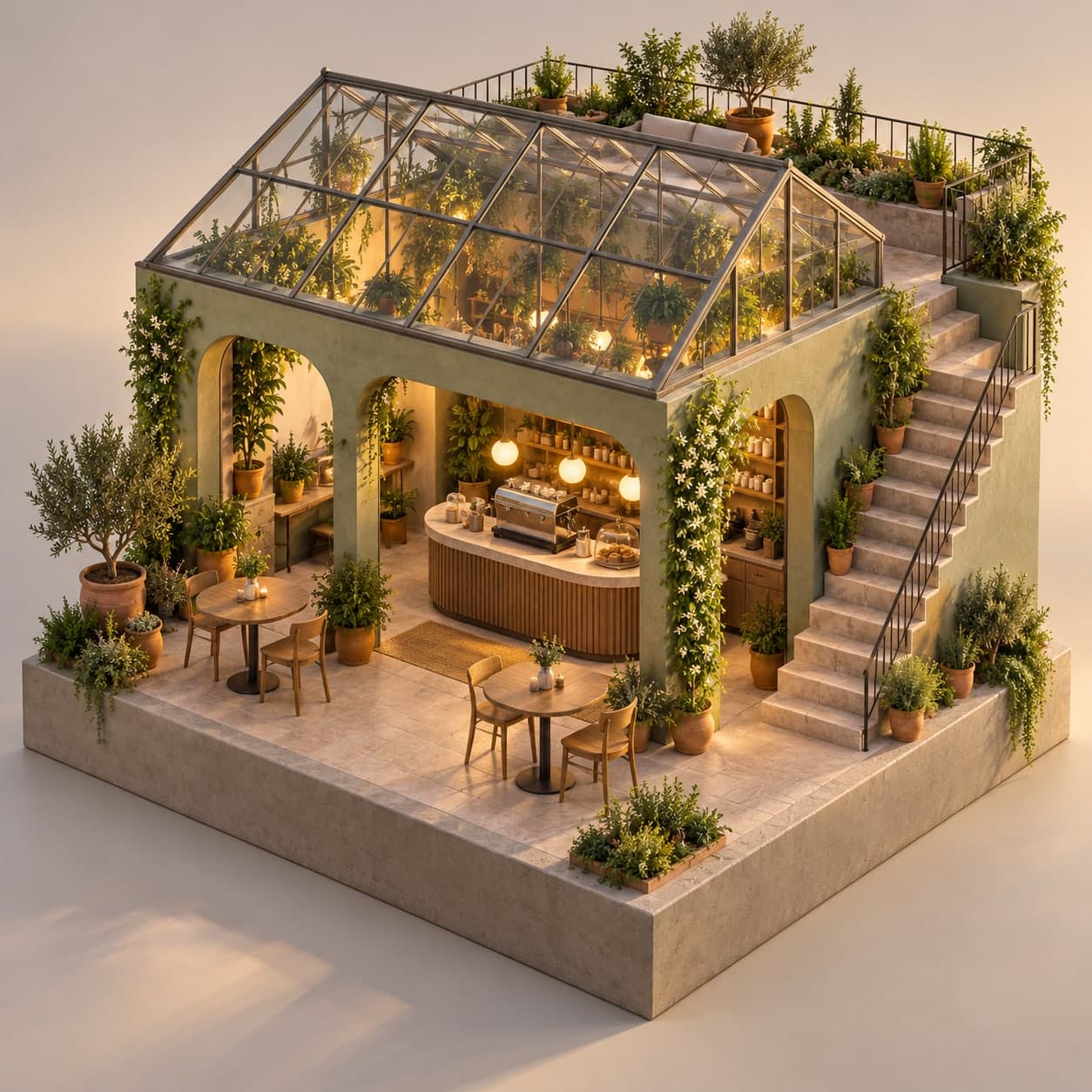
3D·아이소메트릭
초록 온실이 있는 아이소메트릭 루프탑 카페
✳A LITTLE POSSIBILITY.
Gemini3D·나노바나나
책상 위에 올려둔 1/7 스케일 내 피규어
✳A LITTLE POSSIBILITY.
Midjourney3D·아이소메트릭
함께 나누는 이야기 0
직접 써본 경험이나 새로운 아이디어를 들려주세요.
로그인하고 이야기를 남겨주세요.