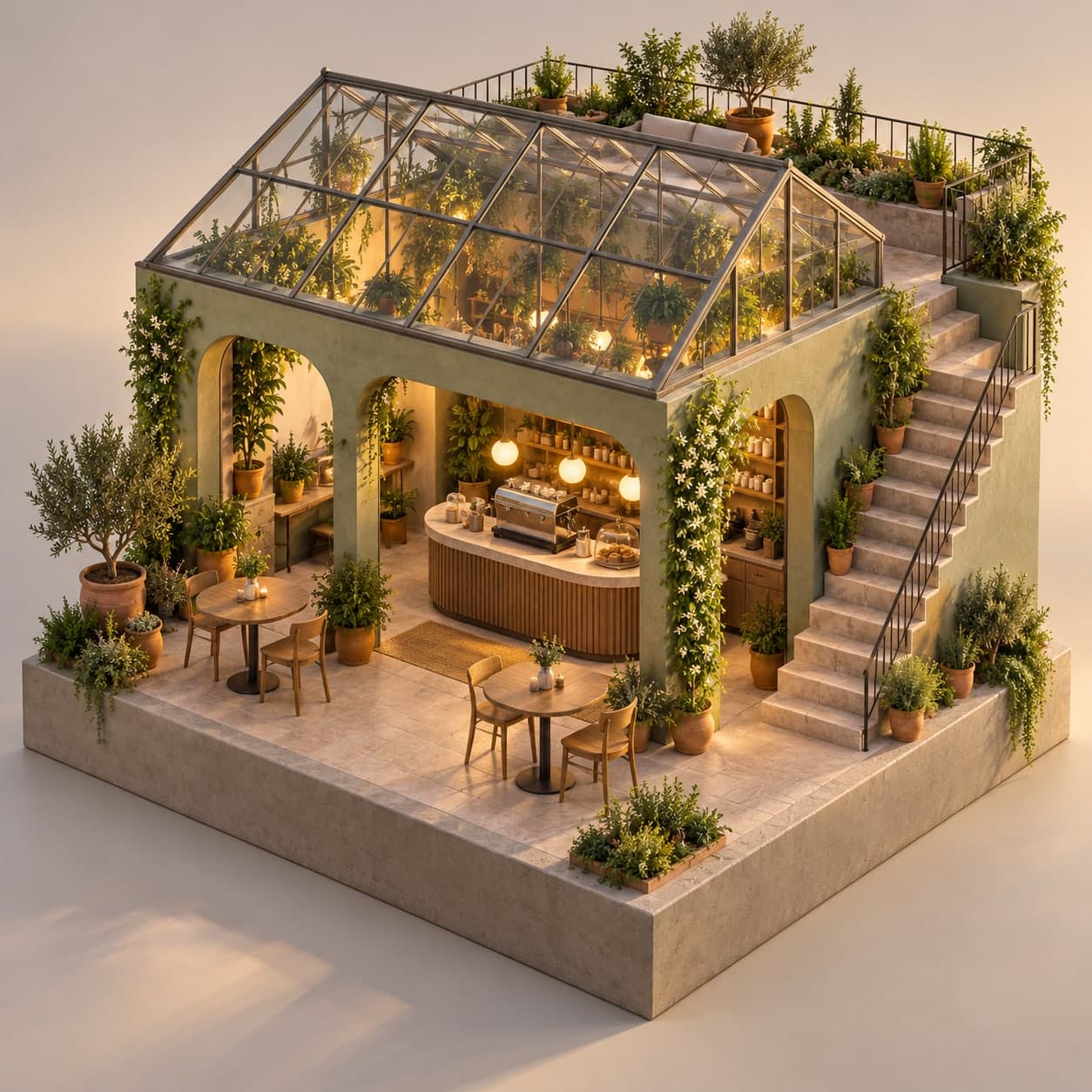
3D·아이소메트릭
CREATOR'S RESULT
MAKE IT YOURS
당신의 아이디어로 바꿔보세요.
01
원하는 부분을 바꾸고 프롬프트를 복사해요.
02
챗GPT(ChatGPT)에 붙여넣고 첫 결과를 확인해요.
03
한 번에 한 가지씩 바꾸며 나만의 결과를 찾아요.
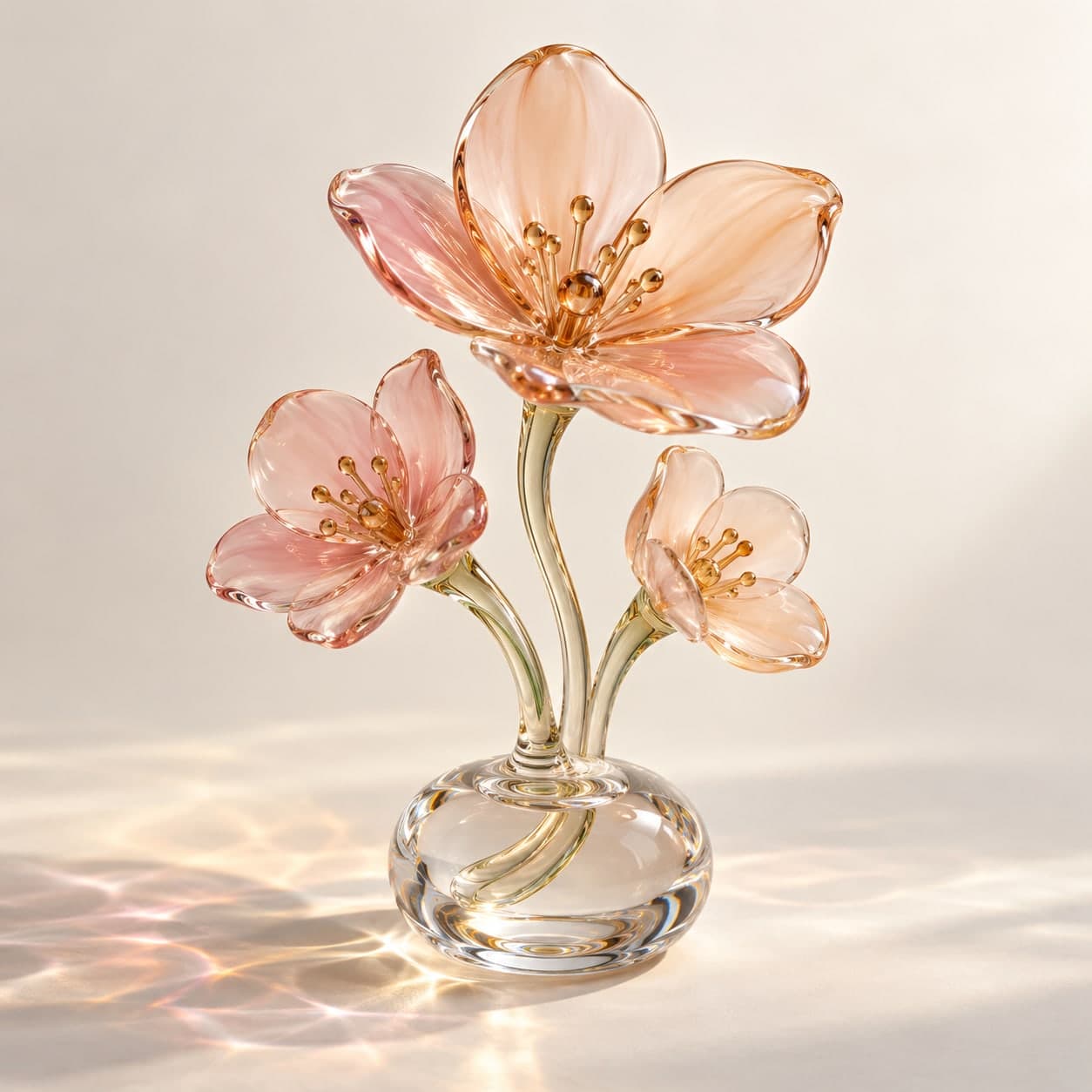
유리 꽃 조각 3D 이미지 프롬프트 투명 유리 꽃 조각의 몽환적인 3D 렌더
빛을 통과시키는 유리 꽃과 반사광을 담은 오브젝트 이미지. 유리 색과 배경색을 바꿔 포스터용 비주얼을 만들어보세요.
이 프롬프트가 담긴 모음: 3D 렌더 이미지 프롬프트 모음
나에게 맞게 바꾸기
선택아래 항목을 채우면 프롬프트에 바로 반영돼요.
THE PROMPT1,081 characters
Use case: stylized-concept. Create a high-end 3D-render-style still life of three sculptural glass flowers rising from one small clear glass pedestal. The flowers have simple broad translucent [유리색] petals, delicate curved glass stems and polished rounded edges; they are glass art objects, not real botanical specimens. Arrange one larger bloom and two smaller blooms in a balanced compact triangular silhouette, with no overlapping confusion at the stems. A seamless [배경색] studio background and matte ground. Large soft key light combined with a gentle directional beam that produces elegant physically plausible refraction and colored caustic patterns on the ground. Detailed but restrained highlights, clean ray-traced appearance, subtle surface imperfections, no excessive rainbow dispersion. Three-quarter view at pedestal height, full sculpture visible with clear margins, square 1:1 image. Sophisticated product-art photography composition, generous negative space around the object. No text, logos, watermark, border, people or collage. Generate one finished raster image.
입력한 내용을 반영한 프롬프트예요.
크리에이터의 작은 팁
예시값: 유리색=soft peach and blush pink, 배경색=pale ivory. 유리 색을 너무 많이 섞으면 꽃의 형태가 흐려질 수 있어요. 두 가지 색 안에서 먼저 비교하고 반사광보다 꽃잎 윤곽이 잘 보이는지 확인해보세요. 결과물은 3D 렌더 느낌의 이미지이며 편집 가능한 3D 모델 파일은 아닙니다. 예시 이미지는 위 예시값을 넣은 프롬프트로 OpenAI 내장 이미지 생성 도구에서 직접 제작했습니다. 생성 결과는 실행할 때마다 달라질 수 있습니다.
KEEP YOUR CURIOSITY GOING
3D 더 보기 이런 영감도 좋아하실 거예요
✳A LITTLE POSSIBILITY.
Gemini3D·나노바나나
책상 위에 올려둔 1/7 스케일 내 피규어
✳A LITTLE POSSIBILITY.
Midjourney3D·아이소메트릭
작은 세계를 담은 아이소메트릭 미니어처
3D·마스코트
함께 나누는 이야기 0
직접 써본 경험이나 새로운 아이디어를 들려주세요.
로그인하고 이야기를 남겨주세요.